Adobe offers several editing applications aimed at photographers and creators, but choosing between them can quickly become overwhelming.
Lightroom Classic, Lightroom and Photoshop all overlap in some areas, but they are designed for very different workflows.
Understanding what each program does best helps you build a faster, more efficient editing setup that suits the way you create.
The quick breakdown
To make things easier, here is what each application does best:
Lightroom Classic:
Best for photographers managing large photo libraries and detailed editing workflows
Lightroom:
Best for creators who want cloud-based editing across devices
Photoshop:
Best for advanced retouching, compositing and graphic-heavy editing
Most photographers use a combination of these applications rather than relying on only one.
Adobe Lightroom Classic
Best For:
- Professional photographers
- Wedding photographers
- Wildlife and sports photographers
- High-volume editing workflows
- Large RAW photo libraries
Adobe Lightroom Classic is still the industry favourite for photographers who shoot large amounts of content and need complete control over organisation and editing. Unlike cloud-based workflows, Lightroom Classic stores files locally on your computer or external drives. This makes it ideal for photographers working with thousands of RAW files.
It is built around speed, cataloguing and batch editing.
What makes Lightroom Classic beneficial:
- Powerful library management
Lightroom Classic excels at organising large photo collections.
You can:
-
- Create folders and collections
- Add keywords and ratings
- Filter images quickly
- Sort shoots efficiently
- Archive years of work
For event, wildlife or wedding photographers, this becomes essential.
- Efficient batch editing
One of Lightroom Classic’s biggest strengths is editing multiple images quickly. You can sync adjustments across entire shoots, saving massive amounts of time during editing sessions.
Lightroom Classic offers excellent RAW processing tools with strong control over:
-
- Exposure
- Colour grading
- Noise reduction
- Lens corrections
- Sharpening
- Masking
Adobe’s AI masking tools have also significantly improved subject and sky selections.
Where Lightroom Classic falls short:
- Heavy retouching
- Graphic design
- Advanced layer-based editing
- Multi-image compositing
That is where Photoshop takes over.
Adobe Lightroom
Best For:
- Content creators
- Social media creators
- Mobile editing
- Travel photographers
- Hybrid creators
Adobe Lightroom is the cloud-based version of Lightroom designed for creators who want editing flexibility across device.
You can start editing on your phone, continue your tablet and finish on your laptop without manually transferring files. For many modern creators, that convenience is a major advantage.
What makes Lightroom beneficial:
- Cloud-based workflow
Everything syncs automatically through Adobe’s cloud system.
This means:
-
- Your edits update across devices
- Your photos stay backed up
- You can work from almost anywhere
For creators constantly moving between shoots, travel and social content, this workflow feels much faster and more flexible.
- Cleaner user interface
Lightroom has a more simplified layout compared to Lightroom Classic. It is easier for beginners to learn while still offering strong editing tools.
This makes it popular among:
- YouTubers
- Instagram creators
- Travel creators
- Beginner photographers
- Mobile Editing
Adobe Lightroom mobile is one of the strongest editing apps available for phones and tablets.
You still get:
-
- RAW editing
- AI masking
- Colour grading
- Presets
- Local adjustments
For creators editing content on the go, Lightroom performs extremely well.
Where Lightroom falls short
- Less advanced file management
- Less control over large archives
- Fewer organisational tools
- Cloud storage limitations depending on your subscription
Photographers working with very large libraries may still prefer Classic.
Adobe Photoshop
Best For:
- Retouches
- Commercial photographers
- Graphic designers
- Composite artists
- Advanced creatives
Photoshop is built for precision editing. While Lightroom focuses on managing and developing photos, Photoshop focuses on manipulating them.
It is the most powerful editing tool in Adobe’s ecosystem, but also the most complex.
What makes Photoshop beneficial:
- Layer-based editing
Photoshop’s layer system allows for advanced editing flexibility
You can:
-
- Combine multiple images
- Remove distractions
- Retouch skin
- Replace backgrounds
- Create composites
- Design graphics
This level of control goes far beyond Lightroom.
Advanced retouching
Photoshop remains the standard for detailed retouching work.
It is widely used for:
- Fashion photography
- Product photography
- Commercial work
- Beauty retouching
Tools like frequency separation, healing brushes and advanced masking give photographers precise control.
Graphic design and Creative work
Photoshop is not limited to photography.
You can also create:
- Social media graphics
- Marketing banners
- YouTube thumbnails
- Digital artwork
- Text-based designs
For hybrid creators, this makes Photoshop extremely versatile.
Where Photoshop falls short
- Managing large image libraries
- Fast batch editing
- High-volume workflows
Editing hundreds of images individually in Photoshop would be extremely inefficient.
That is why many photographers first edit in Lightroom, then move selected images into Photoshop for final retouching.
Which One Should You Use?
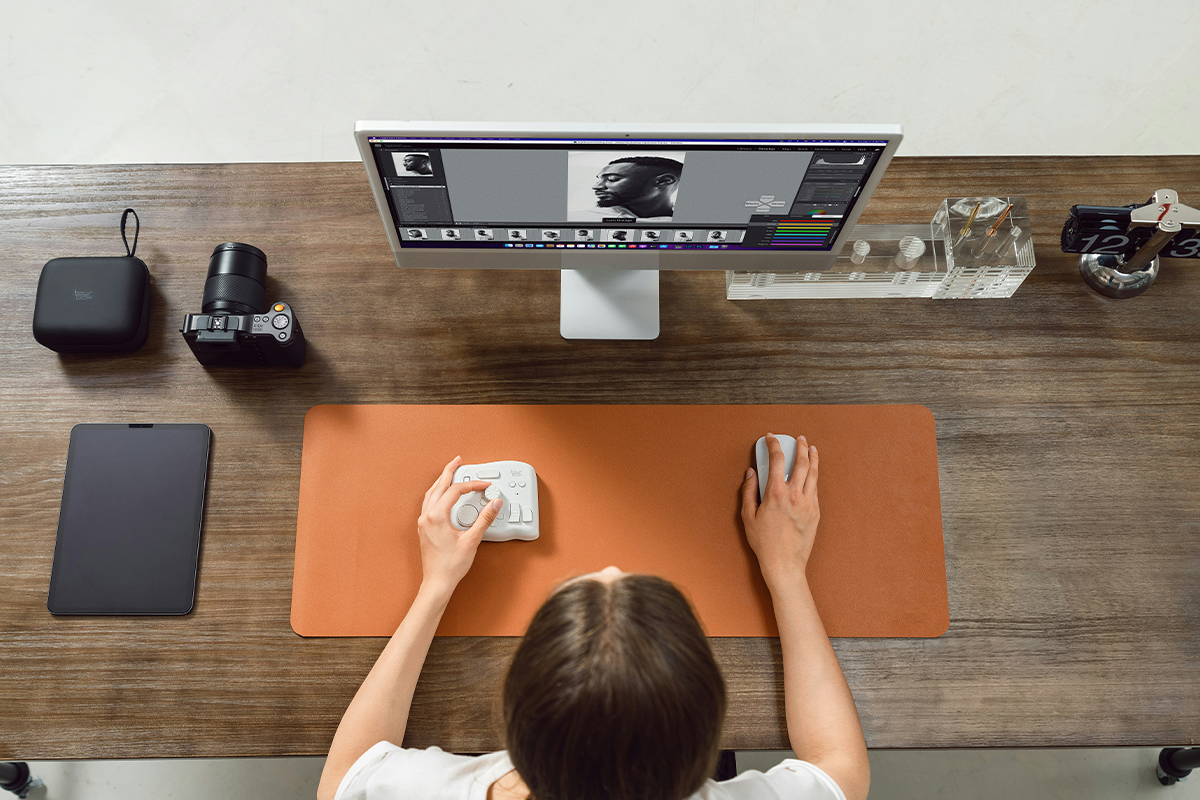
Choose Lightroom Classic If:
- You shoot large volumes of photos
- You work professionally
- You need strong file organisation
- You edit primarily on desktop
- You want maximum workflow control
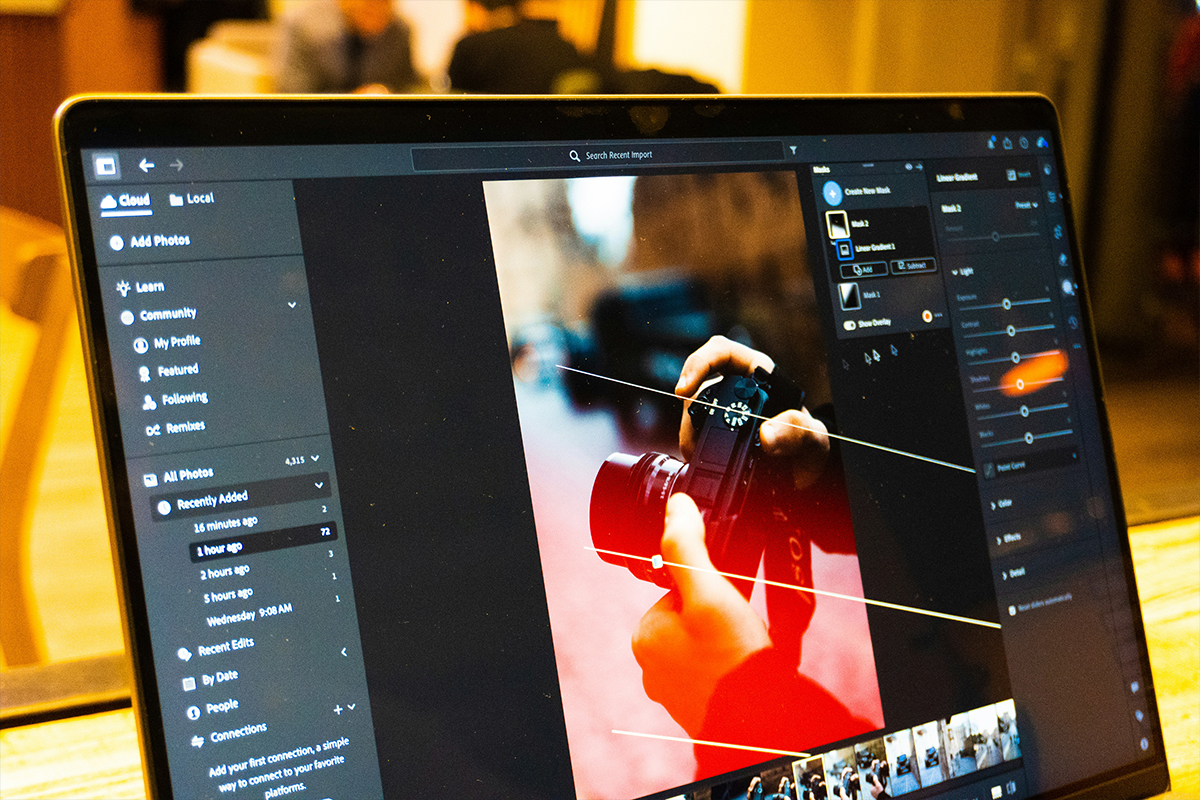
Choose Lightroom If:
- You edit across multiple devices
- You create social-first content
- You prefer cloud storage
- You travel frequently
- You want a simpler workflow
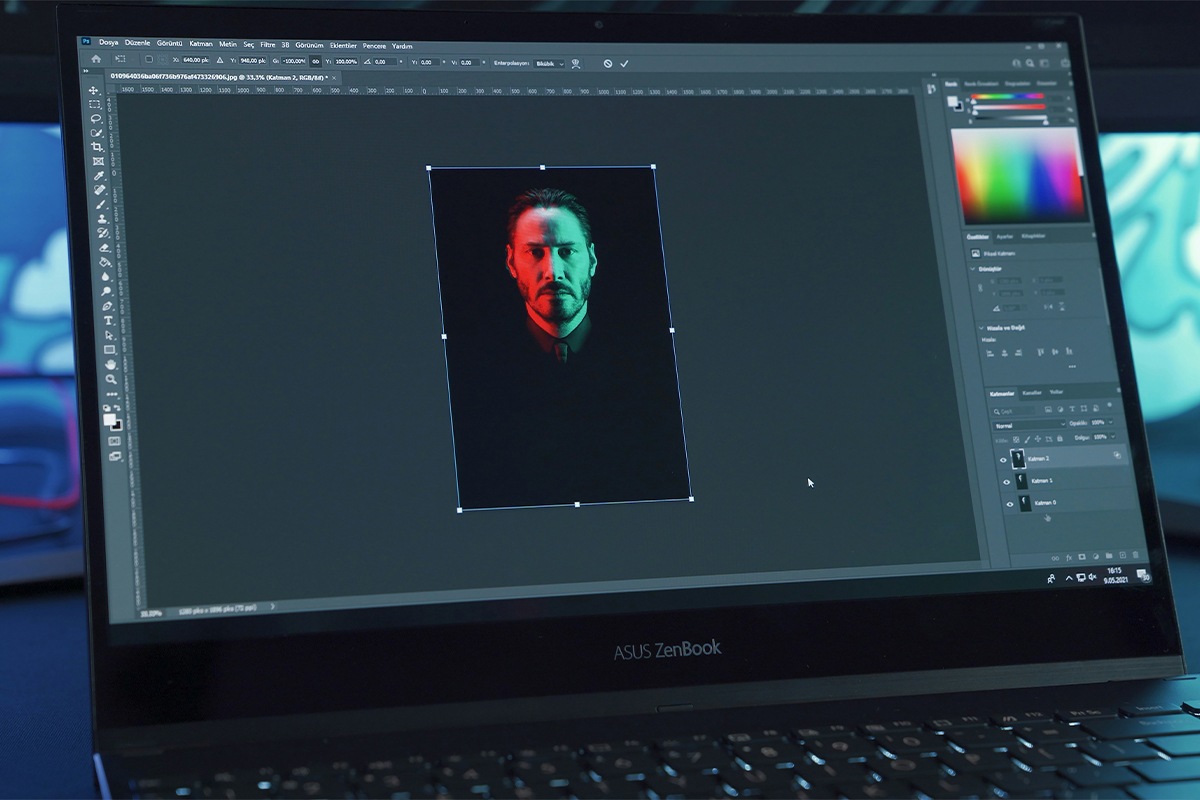
Choose Photoshop If:
- You need advanced retouching
- You create composites or graphics
- You want full editing control
- You work in commercial or design-heavy projects
For many photographers and creators, the strongest workflow is combining applications.
A common setup looks like this:
- Organise and batch edit in Lightroom Classic or Lightroom
- Send selected images to Photoshop for detailed retouching
- Export final content for print, web or social media
Each application fills a different role in the workflow.
There is no single “best” Adobe editing application. It depends entirely on your workflow, shooting style and content goals.
Lightroom Classic remains one of the strongest tools for professional photography workflows. Lightroom offers flexibility and mobility for modern creators. Photoshop delivers unmatched control for advanced editing and creative work.
The key is understanding where each application fits into your process and using the right tool for the job.
While these programs can feel daunting at first, that’s completely normal — most creators feel that way in the beginning. The important part is not to be intimidated by them, because there are countless free tutorials available on YouTube that can guide you step by step.