Memory cards are a small part of your camera setup, but they have a major impact on performance. From fast burst photography to high-resolution video recording, the right card ensures your camera can keep up with the demands of modern content creation.
With different formats, speed classes and confusing symbols on packaging, it’s easy to choose the wrong card or overspend on something you don’t need.
This guide breaks everything down in a practical way, so you can understand the differences, read the ratings correctly, and choose the right memory card for your workflow with confidence.
Why memory card speed matters
Your memory card affects how quickly your camera can write files.
That becomes important when you are:
- Shooting high-resolution RAW images
- Capturing long bursts in sports or wildlife photography
- Recording 4K, 6K or 8K video
- Using high bit-rate codecs
- Transferring large projects to your computer
If the card cannot keep up with your camera, performance suffers.
You may experience:
- Buffer slowdowns
- Recording limits
- Dropped frames
- Failed recordings
- Slower workflow overall

The main types of memory cards
SD cards
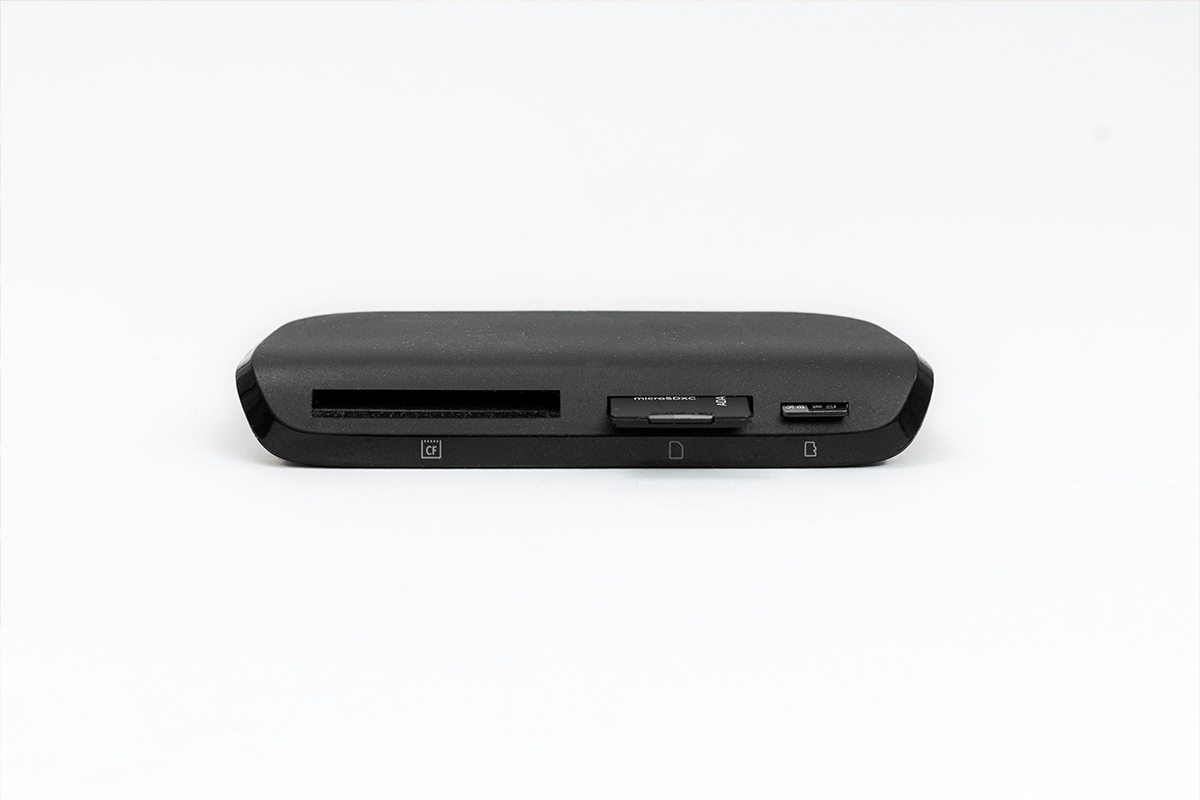
SD cards are the most common option used in cameras today.
They are popular because they are:
- Affordable
- Widely compatible
Available in different speed classes and capacities. Most modern mirrorless and DSLR cameras use SD cards.
MicroSD cards
MicroSD cards are commonly used in:
- Action cameras
- Drones
- Smartphones
- Audio recorders
Using a microSD card with an SD adaptor in a camera is generally not recommended because the adaptor adds an extra physical connection, increasing the risk of data corruption, write errors, and camera lag.
CFexpress cards
CFexpress cards are designed for high-performance professional workflows where speed, reliability, and sustained write performance are critical.
They are not universal, compatibility depends on your camera body, which will either support CFexpress Type A or CFexpress Type B.
CFexpress Type A
CFexpress Type A cards are smaller in physical size and are mainly used in select Sony camera systems. They deliver high-speed performance in a compact format and are ideal for hybrid creators working with both photo and video.
They are built for:
- High-speed burst photography (sports, wildlife, action)
- 4K to 8K video recording (depending on camera model)
- High bit-rate video formats
- Fast file transfers for professional workflows
- Compact, lightweight camera systems
While slightly slower than Type B, they are still significantly faster than standard SD cards and are designed for advanced mirrorless systems.
CFexpress Type B
CFexpress Type B cards are the most widely used professional format across Canon, Nikon, Panasonic, and cinema cameras. They offer higher maximum speeds and are built for heavy-duty production environments where sustained performance is critical.
They are built for:
- High-speed burst photography
- 6K and 8K video recording
- RAW video formats (such as ProRes RAW and similar codecs)
- Large file transfers and fast offloading
- Professional cinema, broadcast, and commercial production workflows
Key difference:
- Type A = Smaller, mainly Sony systems, high-end hybrid use
- Type B = Larger, faster, widely used in professional cinema and hybrid cameras
CompactFlash (CF) Cards
CompactFlash cards are an older professional format that was widely used before CFexpress and modern SD standards became dominant.
They are now mostly found in older DSLR cameras and legacy professional bodies.
They are built for:
- Older DSLR photography systems
- Basic to advanced photography workflows (depending on camera)
- Reliable still image capture
- Legacy video recording formats
While CompactFlash cards are durable and were considered high-performance in their time, they are significantly slower than modern CFexpress and UHS-II SD cards. They are now mainly used to support existing equipment rather than new camera systems.
CFexpress cards deliver significantly faster read and write speeds than standard SD cards, improving buffering, recording stability, and workflow efficiency. However, they are more expensive and only necessary if your camera and workflow require that level of performance.
Understanding speed ratings
This is where many creators get overwhelmed.
Here are the ratings that matter:
Write Speed
Write speed determines how quickly your camera saves data onto the card.
- For photography, faster write speeds help maintain continuous shooting performance.
- For video, sustained write speed is critical for stable recording.
Read Speed
Read speed determines how quickly your computer or camera can access and transfer files from the memory card.
While it does not affect how your camera records images or video, it becomes important when you are:
- Transferring large photo or video files to your computer
- Backing up or offloading footage after a shoot
- Using high-resolution RAW files or large video projects
- Working with tight turnaround times in editing workflows
Higher read speeds mean faster file transfers, which saves time in post-production and keeps your workflow efficient, especially when working with large volumes of data.
Video Speed Classes Explained
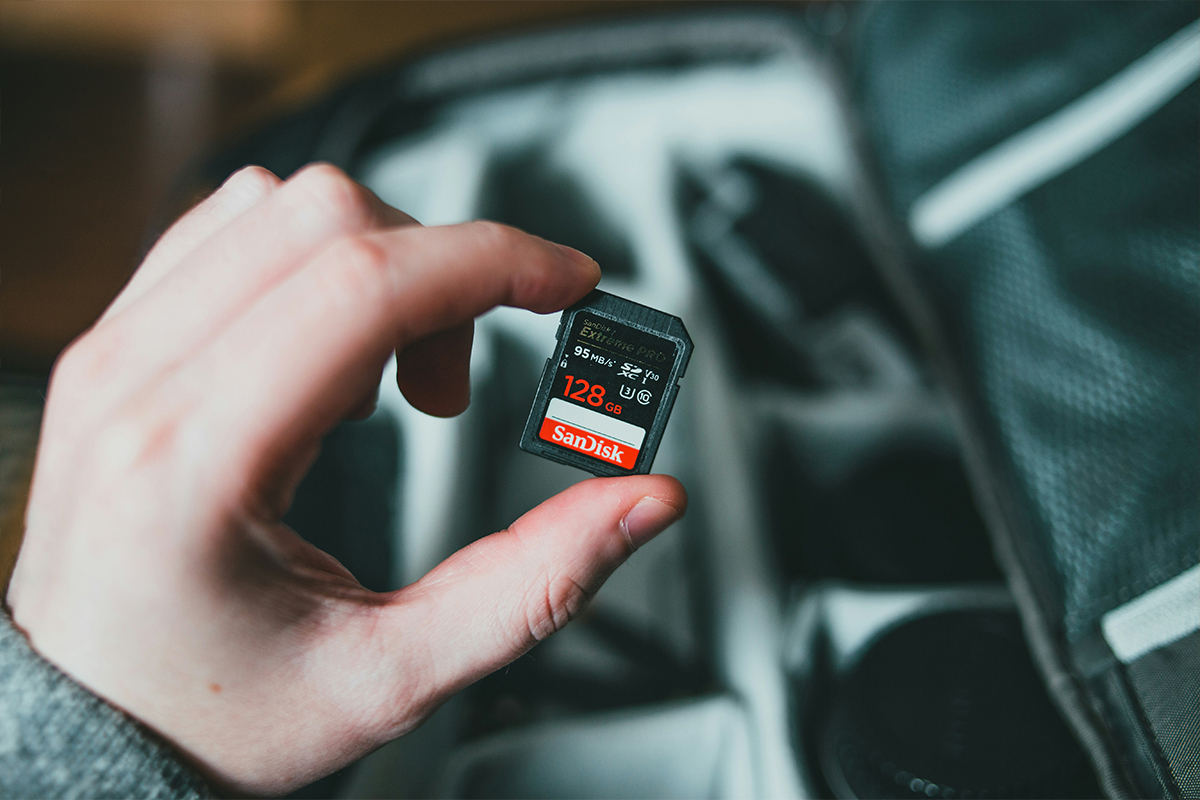
You will often see symbols like:
- V30
- V60
- V90
These indicate the minimum sustained write speed.
V30
Suitable for:
- Photography
- Full HD video
- Basic 4K recording
V60
Better suited for:
- Higher bitrate 4K
- Professional hybrid shooting
V90
Designed for:
- 6K and 8K workflows
- High-end video production
- Intensive burst shooting

UHS-I vs UHS-II
UHS-I
UHS-I stands for Ultra High Speed I, an earlier SD card interface standard.
- More affordable
- Slower transfer speeds compared to UHS-II
- Suitable for everyday photography, Full HD video, and many hybrid creators
- Works well in most entry to mid-level cameras
UHS-II
UHS-II stands for Ultra High Speed II, a faster and more advanced SD card interface.
- Significantly faster read and write performance
- Better suited for professional workflows and large file sizes
- Ideal for high-resolution RAW photography and high-bitrate video recording
- Improves offloading speed when transferring files to a computer
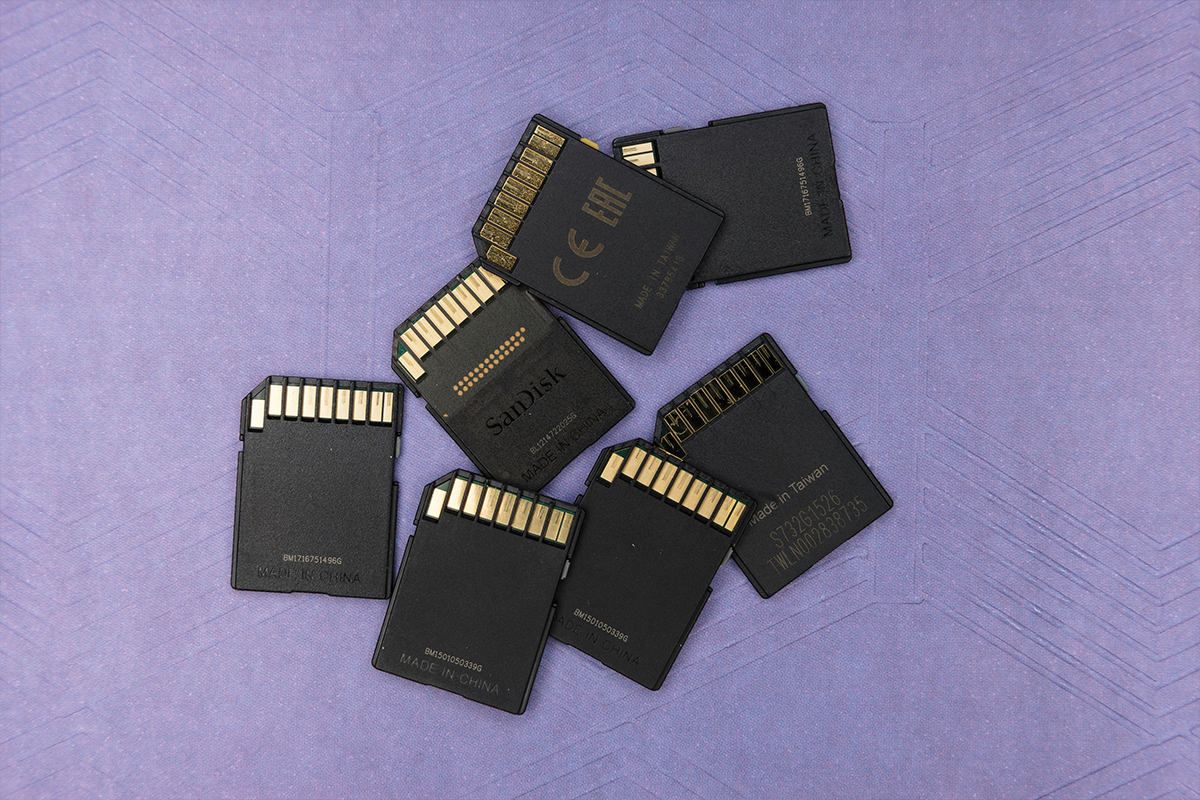
You can usually identify UHS-II cards by the second row of pins on the back of the card.
How much storage do you need?
Capacity depends entirely on your workflow.
64GB
Good for:
- Casual photography
- Smaller sessions
- Backup use
128GB – 256GB
Ideal for:
- Weddings
- Events
- Hybrid photo/video work
512GB and Above
Best for:
- Long-form video
- Commercial production
- High bit-rate recording
For professional work, carrying multiple cards is often safer than relying on a single large card.
Reliability matters more than cheap pricing
A memory card stores your work, choosing purely based on price is risky.
Reliable cards typically offer:
- Better sustained speeds
- Improved durability
- More stable performance
- Better recovery support
- Longer lifespan
For paid work especially, trusted brands and genuine products matter. The best memory card is the one that matches both your camera and your workflow.
Before buying, always check:
- Your camera’s supported card types
- Required video speed ratings
- Recommended write speeds
- Maximum compatible capacities
The right card keeps your workflow fast, reliable and stress-free, especially when shooting important moments that cannot be repeated.
If you’re unsure which card is right for your camera or workflow, the Go-To Guys are always here to help with any questions.
For a visual breakdown of this topic, you can also watch our YouTube video for a practical, hands-on explanation.