Editing is where your work comes together.
A strong workflow helps you edit faster, stay consistent, reduce stress, and spend more time creating instead of searching for files or repeating tasks.
Whether you’re editing weddings, content shoots, commercial work, or social media campaigns, a streamlined workflow makes a major difference to both productivity and final delivery quality.
Here are practical workflow tips that help in real-world editing environments.
1. Start with proper file organisation
A messy workflow usually starts before editing even begins. Create a folder structure that stays consistent across every project. This makes files easier to find, speeds up backups, and reduces mistakes during delivery.
Example structure:
- RAW Files
- Selects
- Audio
- Project Files
- Exports
- Social Media Versions
- Client Delivery
Use clear naming conventions for both folders and files, avoid generic names like “Final Final V2”.
2. Backup immediately
Before editing starts, create backups, because memory cards and drives can fail, and accidents happen.
A reliable backup system should include:
- Primary working drive
- Secondary backup drive
- Cloud backup where possible
For larger projects like weddings or commercial shoots, this becomes essential rather than optional. The goal is simply to never have only one copy of important footage or images.
3. Cull before you edit
Do not start editing thousands of files immediately.
First, reduce the project down to your strongest selections. This improves editing speed, keeps projects manageable, and helps maintain consistency throughout the final gallery or video.
Fast culling also reduces decision fatigue later in the process. For photographers, tools like smart previews, ratings, and colour labels can speed this up significantly.
4. Build presets and templates
Repetitive tasks slow down workflows.
Create reusable systems for:
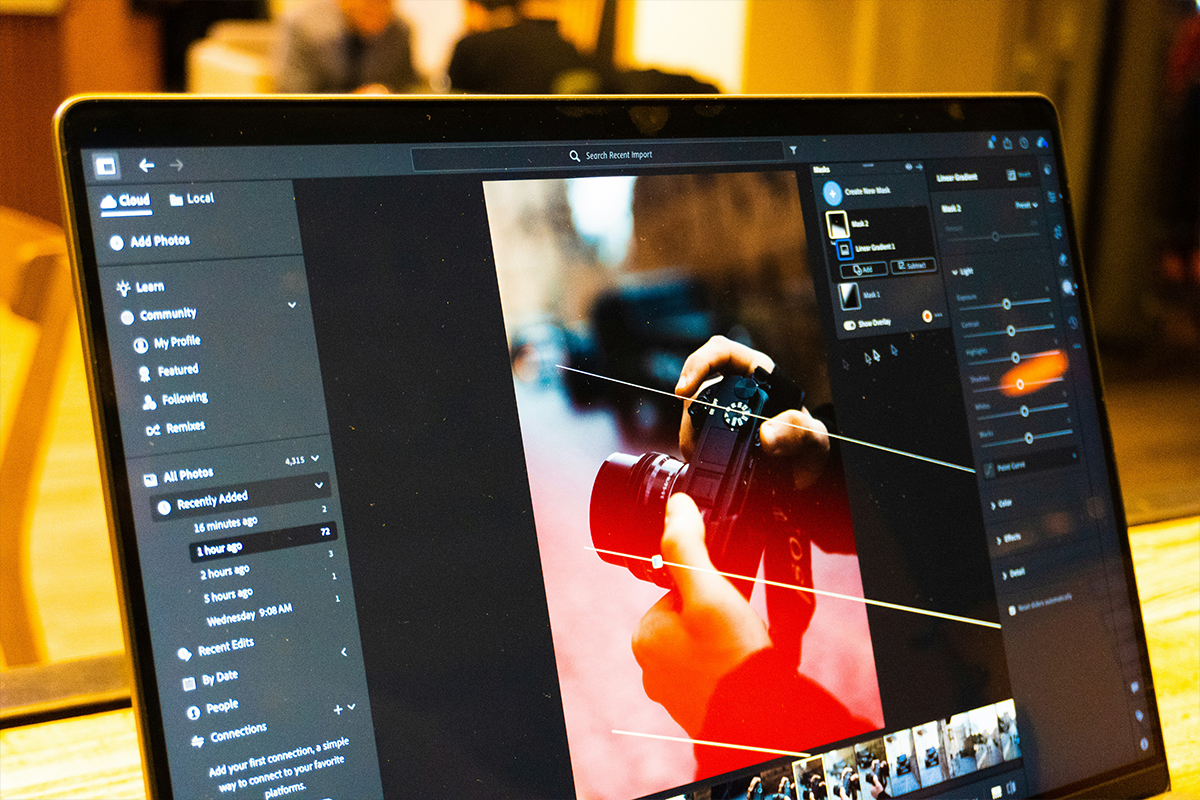
- Lightroom presets
- Export settings
- Timeline templates
- Audio processing chains
- Intro/outro sequences
- Caption styles
Templates create consistency while reducing editing time across repeated projects. This is especially useful for creators producing regular social content or high-volume client work.
5. Use proxy files for heavy video projects
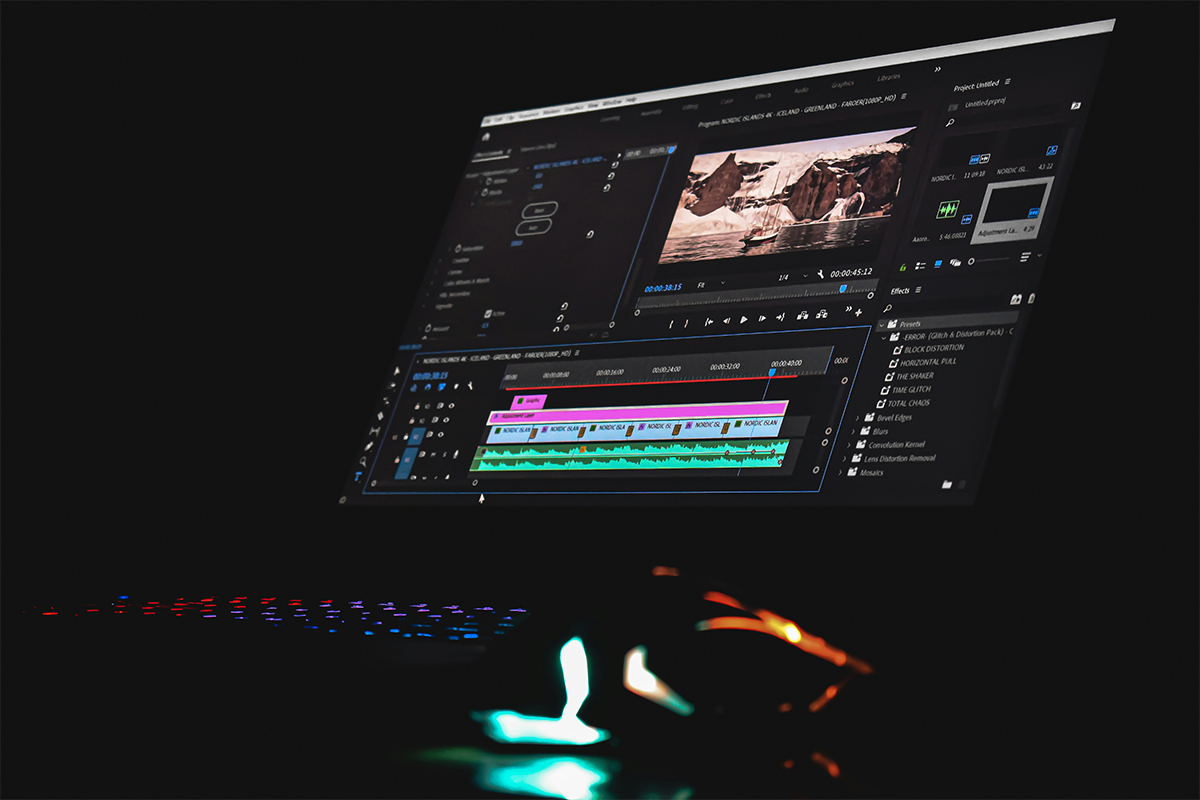
High-resolution footage can slow editing performance dramatically. Proxy workflows allow smoother playback and faster editing by using lower-resolution versions while editing, then relinking to full-quality footage during export.
This is one of the biggest workflow upgrades for videographers working with:
- 4K footage
- Log footage
- Multi-camera timelines
- High bitrate codecs
Smooth playback means faster decisions and less frustration during editing sessions.
6. Keep your colour workflow consistent
Inconsistent colour grading creates unnecessary extra work.
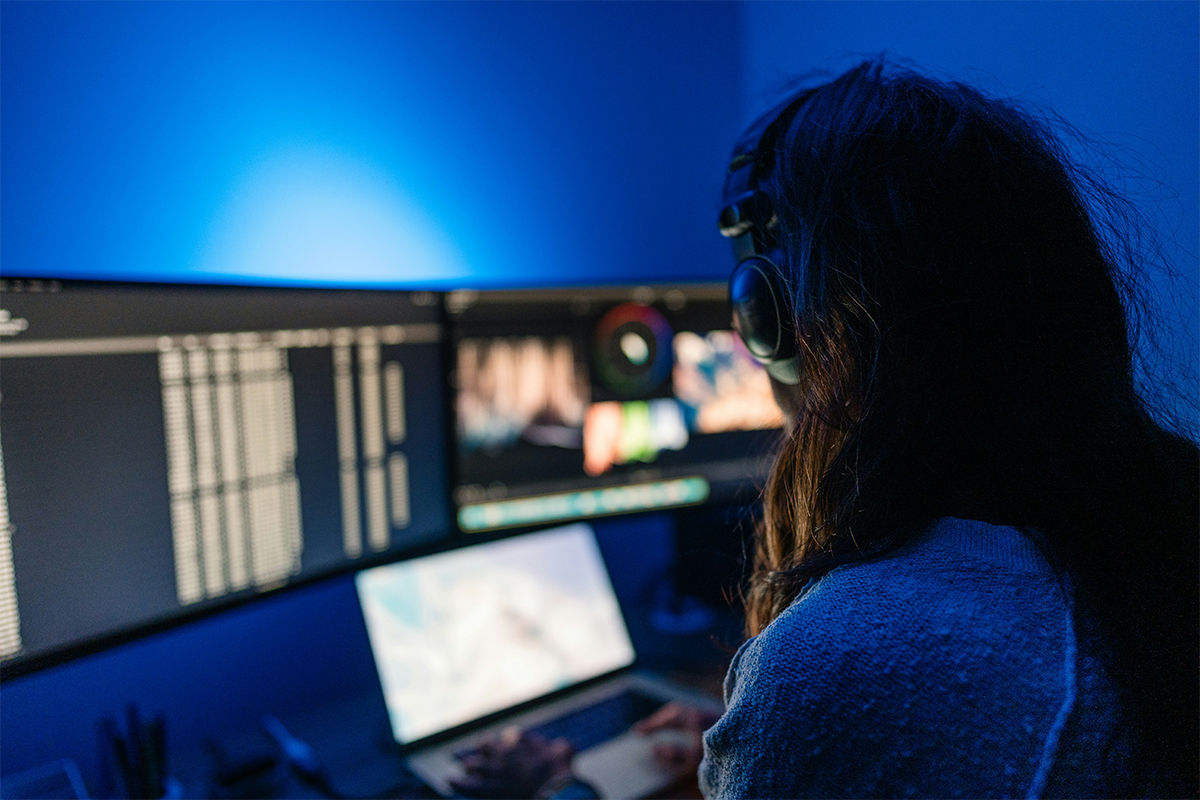
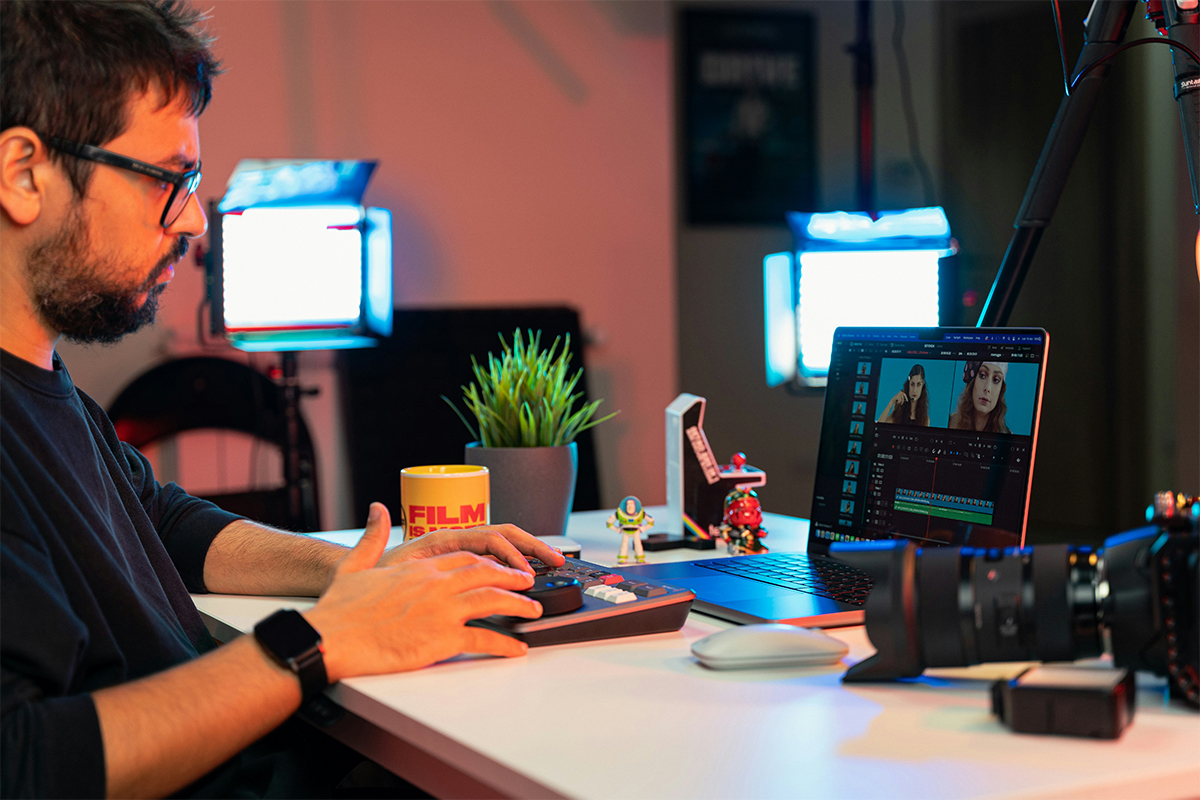
Use calibrated monitors where possible and keep lighting conditions consistent while editing. For hybrid shooters working across photo and video, having a repeatable colour workflow helps maintain a recognisable visual style across all content. Consistency is what makes work look professional.
7. Learn keyboard shortcuts
One of the simplest ways to speed up editing is to learn shortcuts properly. Small time savings repeated hundreds of times per project add up quickly.
Focus on shortcuts you use constantly:
- Cutting clips
- Rating images
- Copy/paste settings
- Playback controls
- Masking tools
- Export commands
Efficiency often comes from small workflow improvements stacked together.
8. Separate editing from exporting
Avoid sitting and waiting during exports. Queue exports before breaks, admin work, or overnight where possible. This keeps editing time focused on creative work instead of downtime. For large wedding galleries or long-form video exports, this can save hours every week.
9. Keep your drives clean
Full drives slow systems down, archive completed projects properly and remove unnecessary duplicate files regularly.
Using dedicated drives for:
- Active projects
- Archives
- Backups
This helps maintain performance and keeps projects easier to manage long-term.
10. Build a workflow that fits your work
Not every workflow works for every creator. Wedding photographers, commercial videographers, YouTubers, and social media creators all have different editing demands.
The best workflow is one that:
- Saves time
- Reduces stress
- Keeps quality consistent
- Scales as your workload grows
Refine your process continuously, make small improvements compound over time.
A strong editing workflow is not about working faster for the sake of speed. It’s about creating a system that helps you stay organised, consistent, and reliable under real client workloads.
The more efficient your workflow becomes, the more energy you can put into creativity, storytelling, and delivering better final work. Good workflows are built intentionally with one improvement at a time.