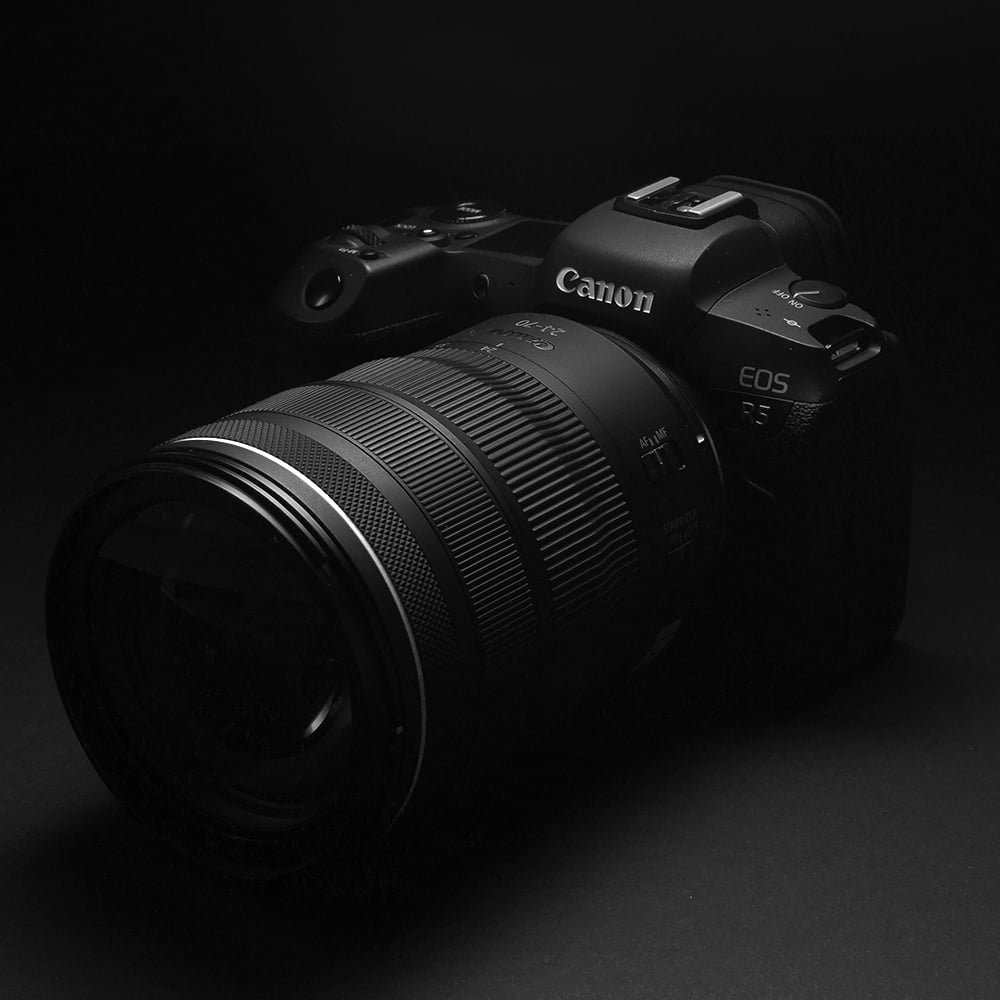
Cleaning your camera isn’t complicated but doing it wrong can lead to costly damage. Dust, dirt, and smudges build up naturally over time; especially if you’re shooting outdoors or regularly changing lenses. Left unchecked, this doesn’t just affect how your gear looks, it can start showing up in your images and impact overall performance.
The goal is simply to remove what shouldn’t be there, without introducing any risk. With the right approach and a bit of care, you can protect your equipment and keep it performing exactly as it should.
One rule upfront is to be mindful of your sensor. It’s one of the most sensitive parts of your camera, and one of the easiest to damage if handled incorrectly.
Start with the basics
Before you touch anything:
This reduces the chance of dust getting into sensitive areas while you’re cleaning.
Use the right tools
Good cleaning starts with the right gear. Avoid shortcuts.
- Use a blower to remove loose dust
- Use a microfibre cloth for screens and the camera body
- Use a proper lens cleaning solution for glass
- Use a lens pen for detailed cleaning
Avoid the following:
- No tissues
- No clothing
- Don’t breathe onto the lens or sensor
These introduce moisture and fine particles that can scratch surfaces.

Lens cleaning
This is where most people get it wrong by rushing.
- Start with a blower to remove loose dust
- Apply a small amount of cleaning solution to a cloth (not directly to the lens)
- Wipe gently in circular motions
Keep it light as pressure does more harm than good.
Sensor cleaning
This is the most sensitive part of your camera.
- Only clean the sensor if necessary
- Start with a blower, this often solves the issue
- If dust remains, use sensor swabs with the correct solution
If you’re unsure, don’t guess. Rather have it professionally cleaned than risk damage.

Body and buttons
The outside of your camera also needs attention.
- Use a slightly damp microfibre cloth for the body
- Use a soft brush for buttons, dials, and small gaps
This prevents buildup that can affect usability over time.
Common Mistakes to Avoid
- Using too much liquid
- Applying pressure to the lens or sensor
- Cleaning in a dusty environment
Each of these increases the risk of scratches or internal dust.
A clean camera performs better, lasts longer and saves time in post-production by reducing dust spots and distractions. Watch our YouTube video: Cleaning Your Camera.
If you’re unsure about cleaning your sensor or dealing with stubborn dirt, it’s better to have it handled professionally than risk damaging your gear. Proper cleaning not only protects your camera but also ensures it performs at its best.
Take a look at these options to have your camera professionally cleaned or repaired if needed: Camera repair and servicing centres