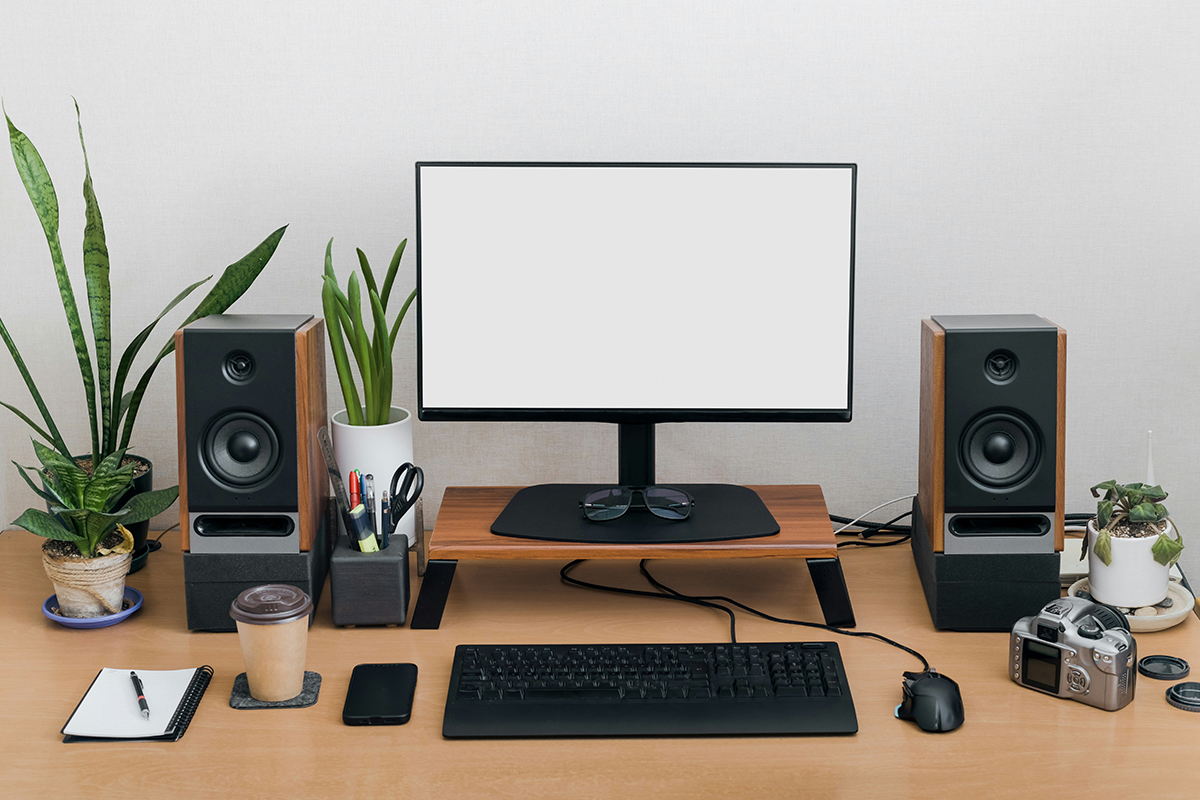
A powerful camera and a well-planned shoot can only take you so far. When it comes to editing, your monitor becomes one of the most important tools in your workflow.
If your display cannot accurately show colour, contrast, or detail, you're making editing decisions based on incorrect information. That can lead to images that look different when printed, shared online, or viewed on other devices.
Whether you're editing photos, colour grading video, creating social media content, or designing graphics, choosing the right monitor can improve both your accuracy and efficiency.
Key features to look for:
Colour Accuracy
Colour accuracy should be at the top of your priority list. Look for monitors that offer high colour gamut coverage, such as:
- 99% Adobe RGB for photographers
- 95% or higher DCI-P3 for video creators
- 100% sRGB for general content creation
A colour-accurate display helps ensure that what you see during editing matches the final result.
Resolution
Higher resolution gives you more detail and more workspace.
Common options include:
- Full HD (1920×1080) - Entry-level editing
- QHD (2560×1440) – More workspace and sharper detail
- 4K UHD (3840×2160) – Ideal for professional photo and video editing
For most creators, a 4K monitor offers the best balance between detail and productivity.
Panel Type
Not all monitors display colours the same way. IPS (In-Plane Switching) panels are popular among creators because they produce accurate colours and consistent image quality across the screen. This helps you make editing decisions with greater confidence and achieve more reliable results.
Benefits include:
- Better colour accuracy
- Wider viewing angles
- More consistent brightness across the screen
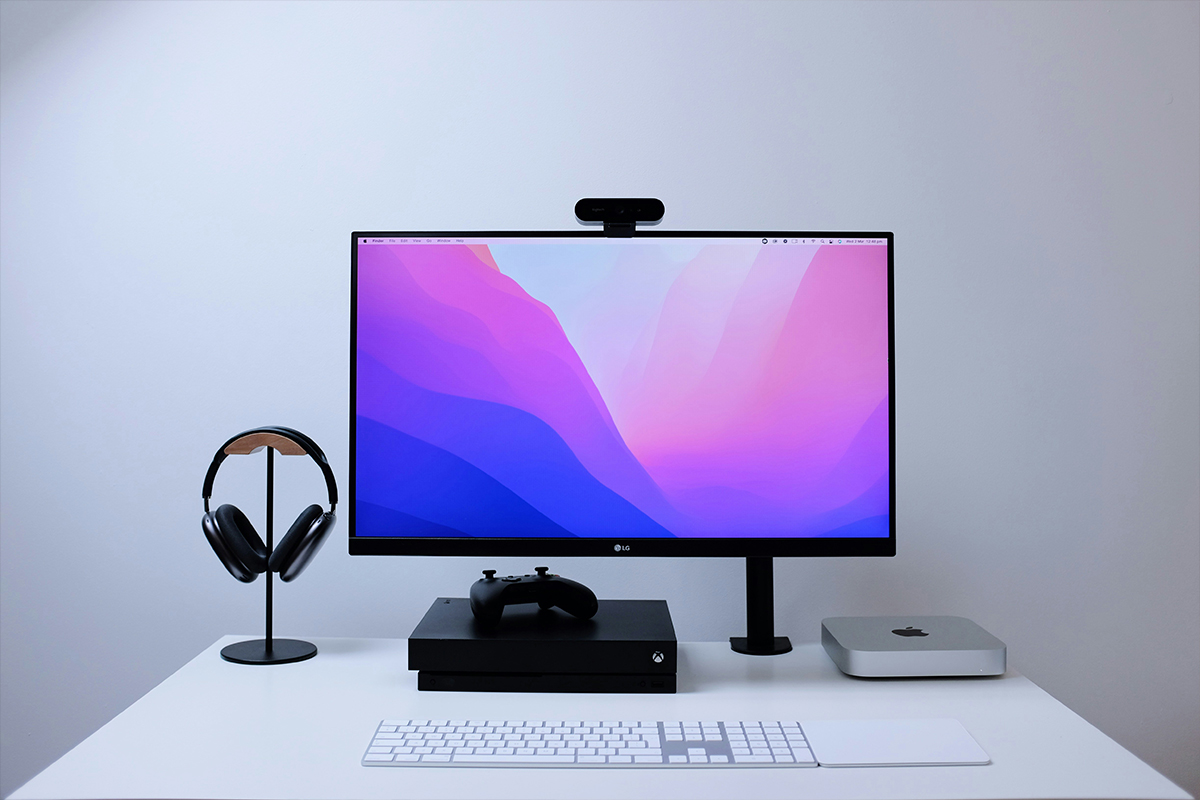
While other panel technologies have their advantages, IPS monitors like the LG UltraFine 27" 4K UHD IPS Monitor with USB-C continue to be the standard for creative work.
Screen Size
The right size depends on your workflow.
- 24–27 inch monitors work well for most photographers and creators
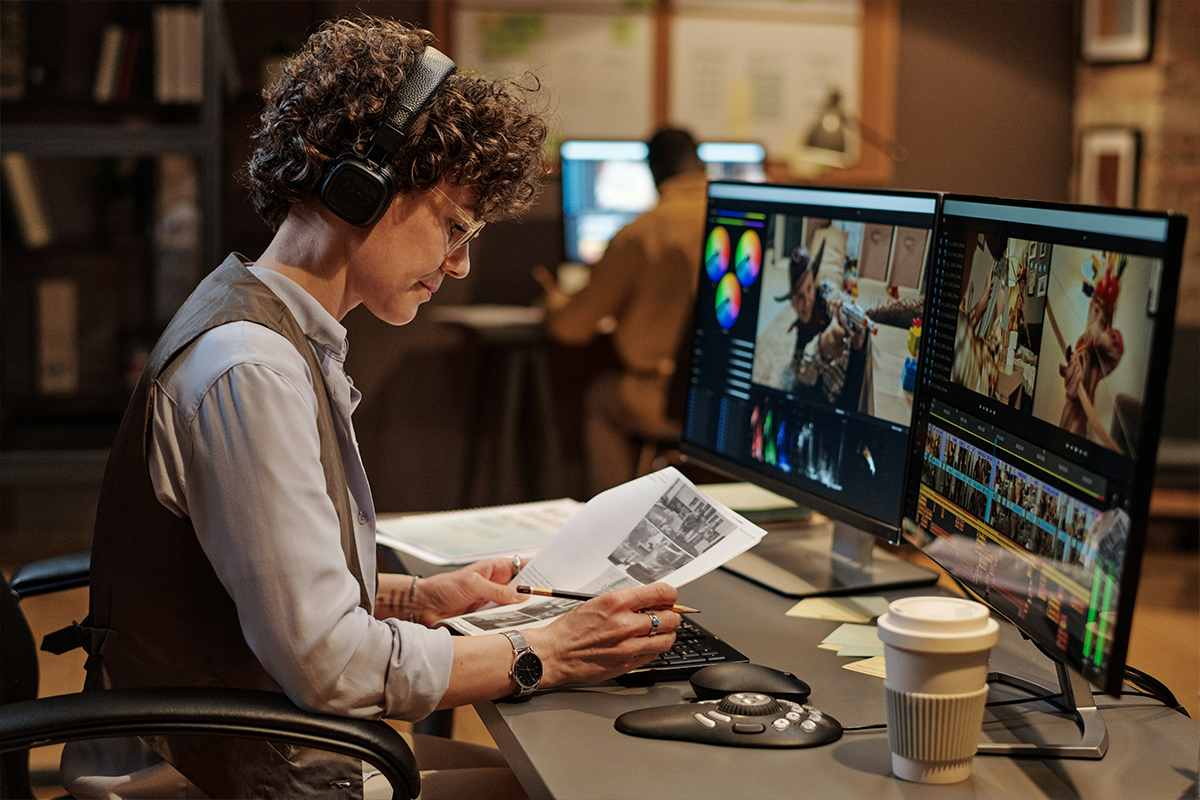
- 32 inch displays provide additional workspace for multitasking and video timelines
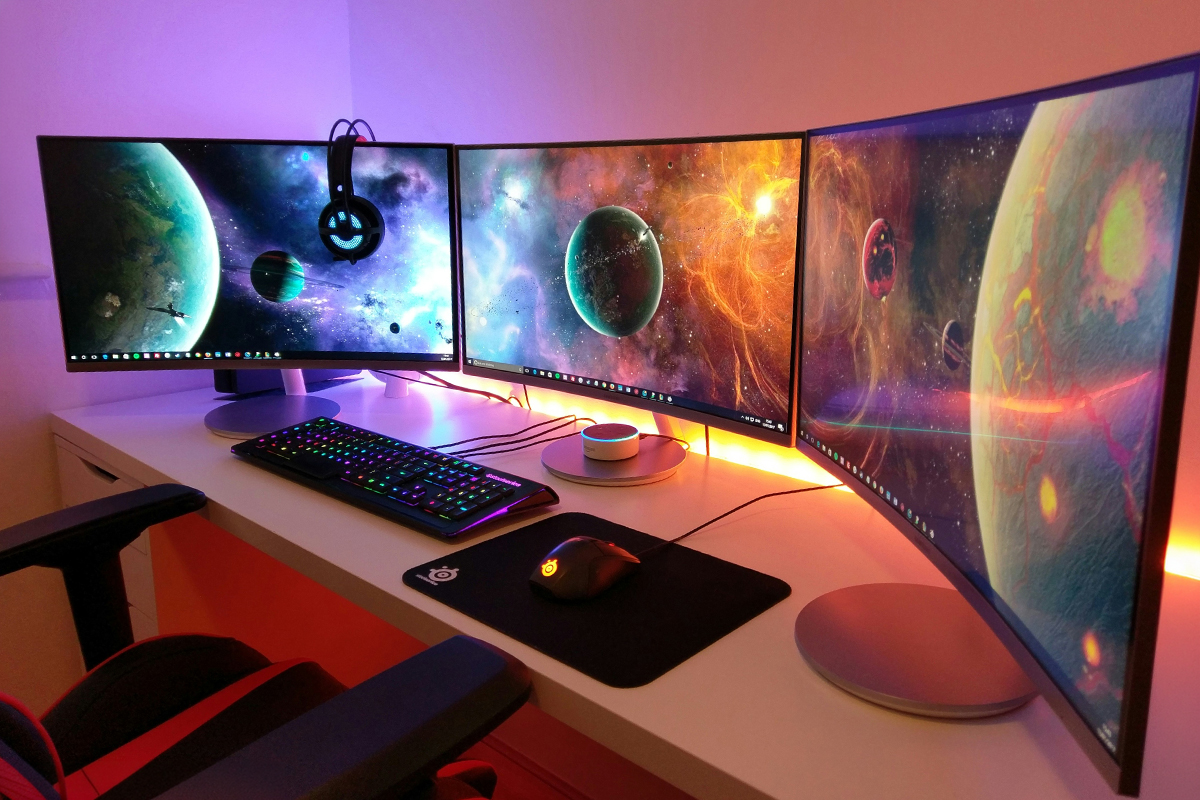
- Ultrawide monitors can improve efficiency for video editors and content creators
- Curved monitors can create a more immersive viewing experience
Hardware Calibration
If colour accuracy is critical, consider a monitor that supports hardware calibration.
This allows the display to maintain consistent colour performance over time and helps ensure reliable editing results. For even more accuracy, tools like the Datacolor SpyderX Pro / Spyder Pro or similar calibration devices can be used to profile and calibrate your screen, ensuring what you see is closer to real-world colour output.
Best monitor options for creators
For photographers
Photographers should prioritise colour accuracy, Adobe RGB coverage, and calibration support.
A monitor designed for photography allows you to make precise adjustments to exposure, white balance, and colour without second-guessing the results.
For video editors
Video editors should look for:
- High DCI-P3 coverage
- 4K resolution
- HDR support
- Large screen sizes or ultrawide displays
These features help provide a better view of timelines, footage, and colour grading adjustments.
For hybrid creators
Many creators work across photography, video, graphic design, and social content.
In these cases, a colour-accurate 27-inch or 32-inch 4K monitor often provides the best all-round solution.
Do you need a professional editing monitor?
Not every creator needs a high-end reference display. If you're starting out, a quality IPS monitor with strong colour coverage can dramatically improve your editing experience without stretching your budget.
As your work becomes more colour-critical, investing in a professional editing monitor becomes increasingly valuable.
Your monitor plays a major role in the quality of your final work. A colour-accurate display helps you edit with confidence, maintain consistency, and achieve results that look the way you intended.
If you're unsure which monitor best suits your photography, video, or content creation workflow, contact the Go-To Guys at Outdoorphoto so that we can help you find the right option for your needs.